Stop juggling Search Console, Analytics, and three SEO plugins. Contenvo brings the WordPress SEO insights you actually use into one place: traffic, SEO scores, page speed, and what to improve next.






Most SEO data lives in five different tools. Search Console for impressions, Analytics for traffic, Rank Math for scores, PageSpeed Insights for speed, and a spreadsheet to make sense of it. Contenvo pulls the WordPress SEO insights that actually drive decisions into one screen, so you can see how content performs without opening another tab.
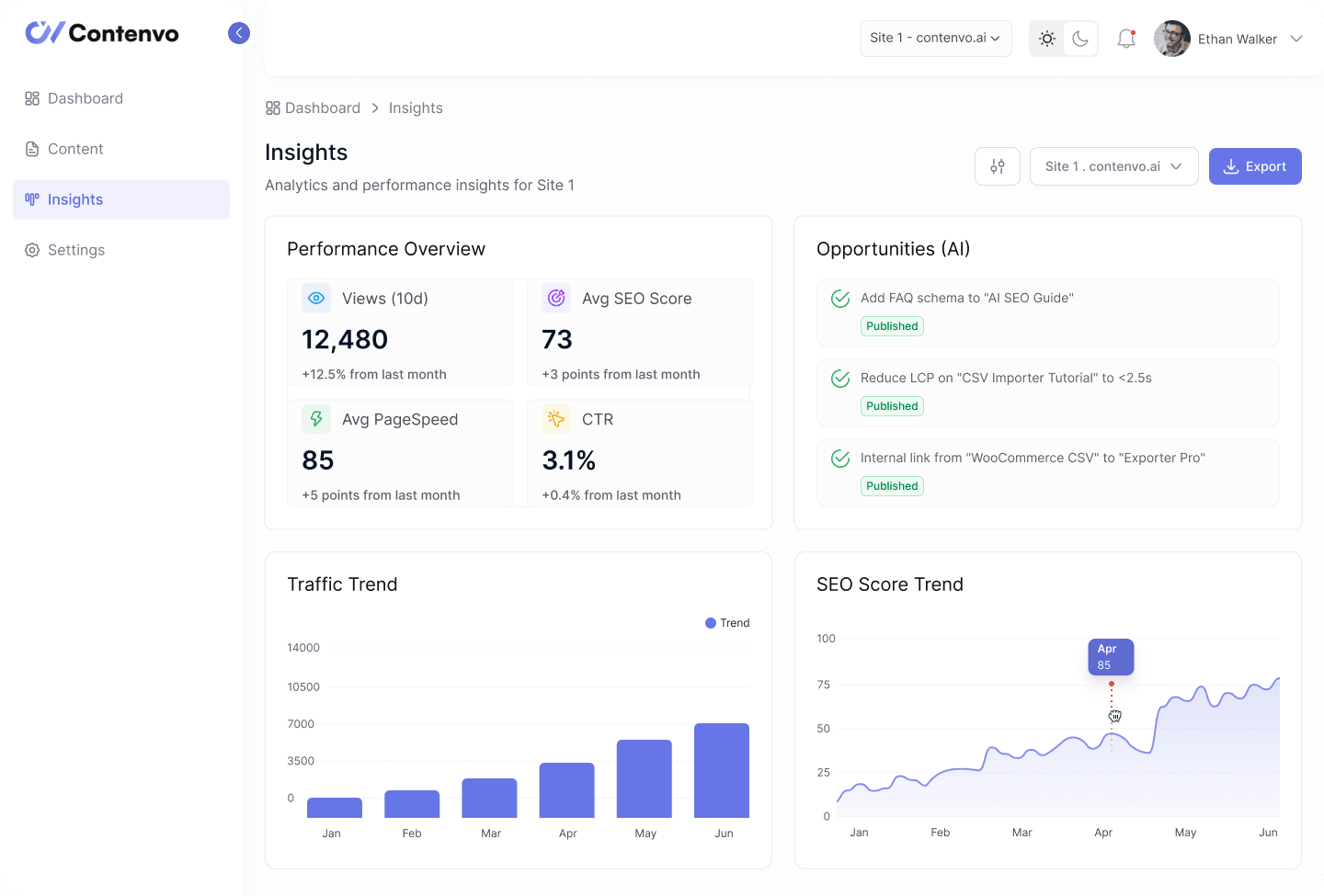
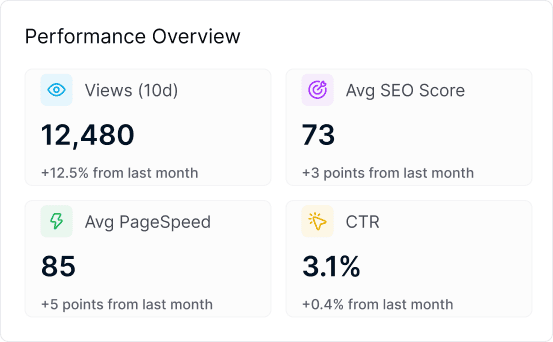
See views from the last 30 days, your average SEO score, page speed, and click-through rate at a glance. The basics, on every plan, no upgrade needed.
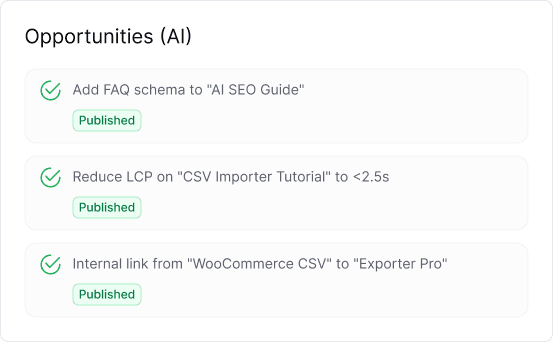
Get suggestions on which articles to refresh, where keywords are missing, and what content gaps you have. Available on Pro+ and Agency plans.
Track how your traffic and SEO scores evolve over time. Spot growth, catch dips early, see seasonal patterns in your numbers.
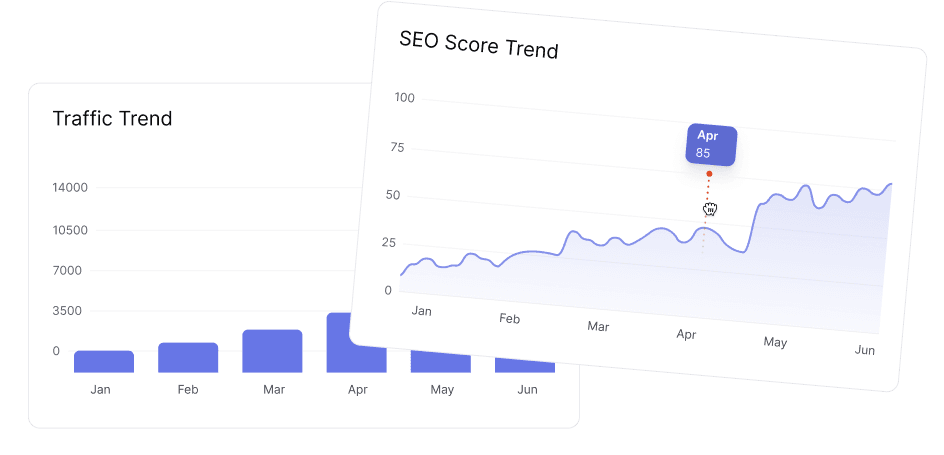
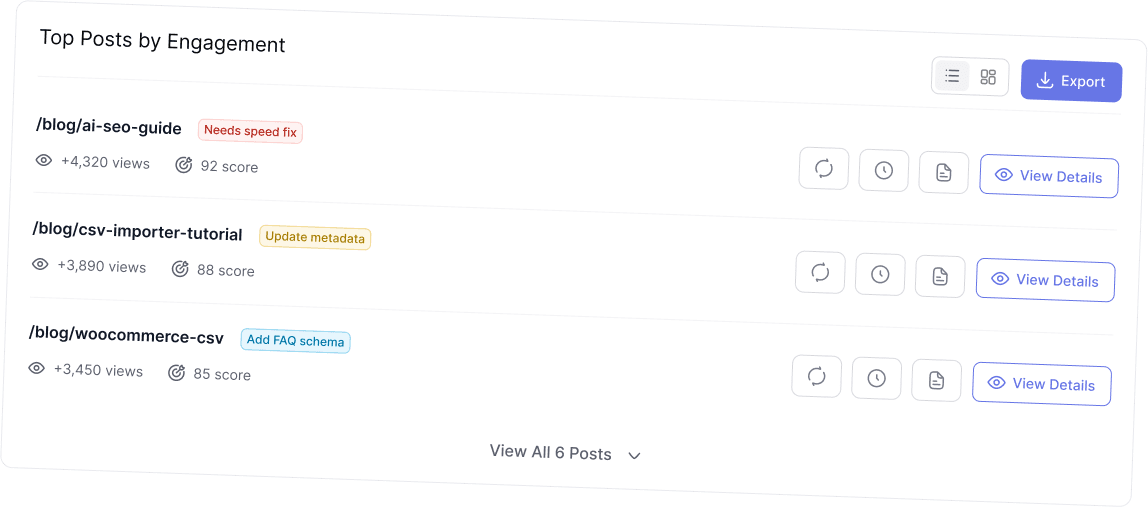
Every chart and number in Contenvo answers a question: what’s working, what’s slipping, what’s next. No raw exports to wade through.
The insights dashboard gives you the headline numbers in seconds. Views over the last 30 days, average SEO score across all your articles, page speed performance, and click-through rates from search. Enough to know whether your content is healthy or needs attention, without having to open ten reports.
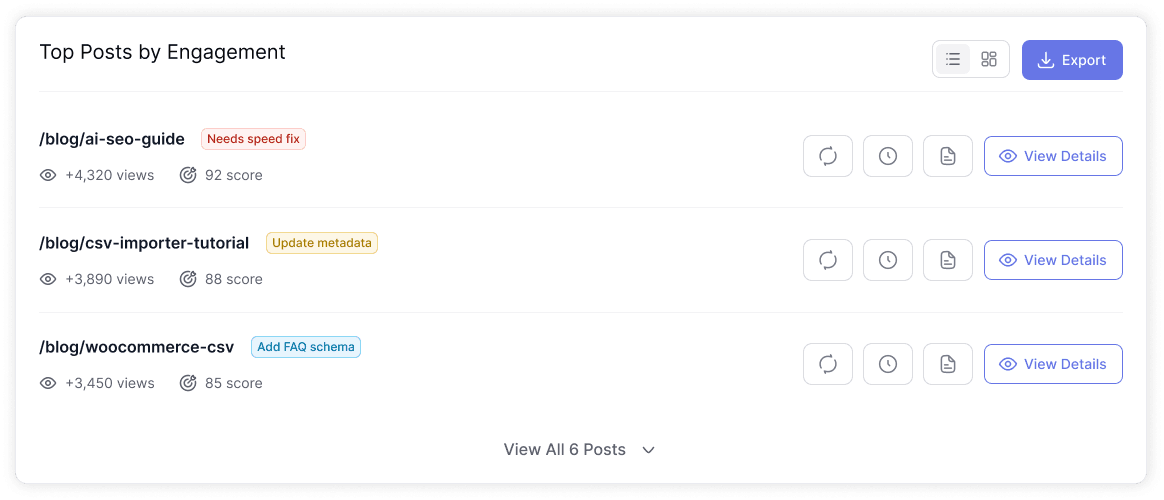
When something stands out in the overview, you can click into it. Each post has its own performance report, SEO score, page speed, structure, and key signals, so you can see exactly why one article ranks and another doesn’t. Detailed post insights are available on Pro+ and Agency plans.
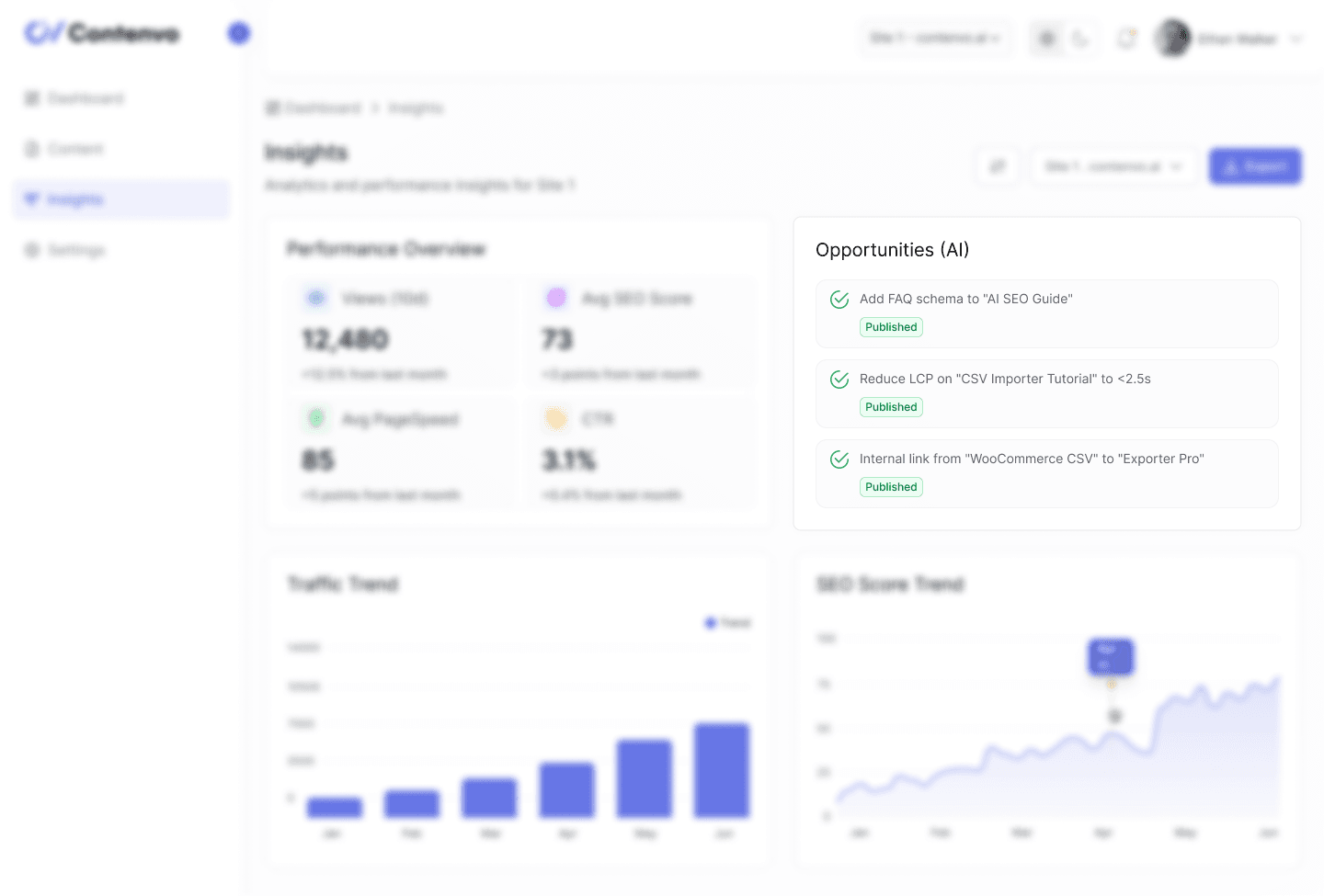
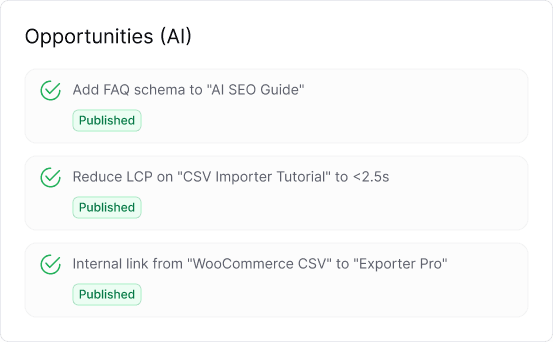
Available on Pro+ and Agency, the AI analysis layer reads your content and tells you what to improve. Missing meta-descriptions, weak headings, keyword gaps, internal links you should add. The WordPress SEO insights aren’t just data, they come with concrete next steps you can act on the same day.
Understand how individual articles affect your overall page speed scores. Fix the heavy ones first.
See where meta-titles are missing, descriptions are too short, or heading structure breaks. Quick fixes that move scores fast.
Every insight comes with what to do about it. No more “interesting graph, now what?”
SEO data is only useful when it leads somewhere. Contenvo turns WordPress SEO insights into a list of things worth doing this week. Refresh this article, fix that meta-description, generate content for this keyword gap. Step by step, your content gets better, without you spending hours figuring out where to start.
Connect your WordPress site, see your performance overview, and get a feel for how Contenvo handles your content data. The free plan includes the basic dashboard so you can see how it works before you upgrade.
The basic dashboard, available on every plan including free, includes views from the last 30 days, average SEO score, average page speed, and click-through rate.
No. Basic performance overview is on every plan. Detailed post insights, traffic trends, and AI-powered opportunities are available on Pro+ and Agency.
Yes, on Pro+ and Agency plans. The AI analyzes meta-data, content structure, keyword usage, and internal linking, and suggests specific improvements per post.
Yes. Traffic and SEO score trends are available on Pro+ and Agency plans, so you can see how your content performs across weeks and months.
Yes. On the Agency plan you can see WordPress SEO insights per client site, each in its own workspace. Compare clients or zoom in on one.
Insights pull from your WordPress site, the SEO plugin you use, and standard performance signals. We don’t replace search engine optimization tools like Search Console, but we make their output easier to act on.
We use cookies to analyze site performance and deliver personalized content. By clicking “Agree” you consent to the storing of cookies. You can revoke your consent at any time. Learn more about this in our Cookie Policy.
Manage your cookie preferences below:
Essential cookies enable basic functions and are necessary for the proper function of the website.
Google Tag Manager simplifies the management of marketing tags on your website without code changes.
These cookies are used for managing login functionality on this website.
Statistics cookies collect information anonymously. This information helps us understand how visitors use our website.
Google Analytics is a powerful tool that tracks and analyzes website traffic for informed marketing decisions.
Service URL: policies.google.com (opens in a new window)
Clarity is a web analytics service that tracks and reports website traffic.
Service URL: clarity.microsoft.com (opens in a new window)
You can find more information in our Cookie Policy and Privacy Policy.
